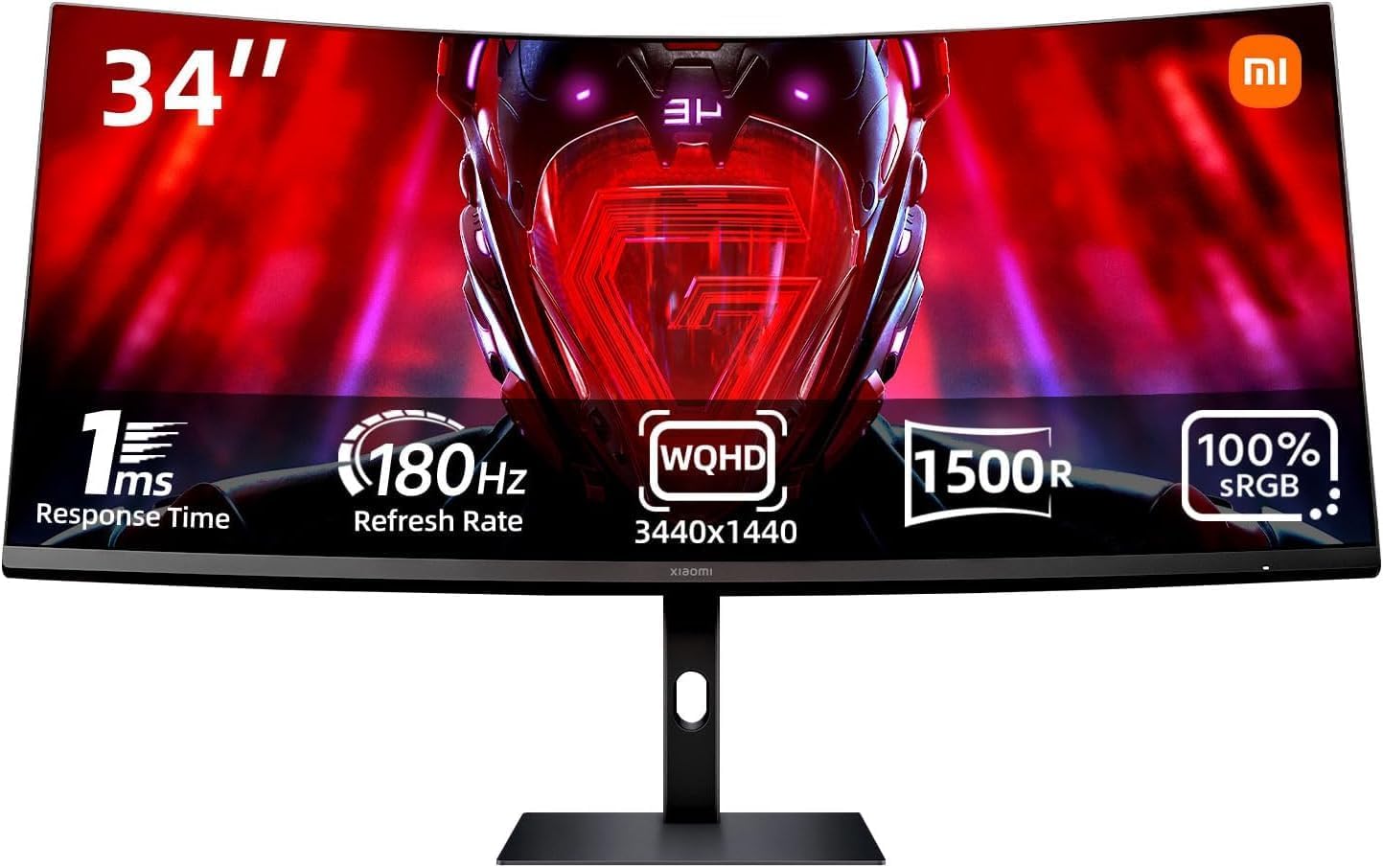
Best Ultrawide Monitor for Gaming Under $500 in 2026
We tested and ranked the best ultrawide monitors for gaming under $500 in 2026. This guide covers 144Hz UWQHD panels, IPS vs VA for gaming, GPU requirements, and which monitor works best for both gaming and home office use.

Our Top Picks
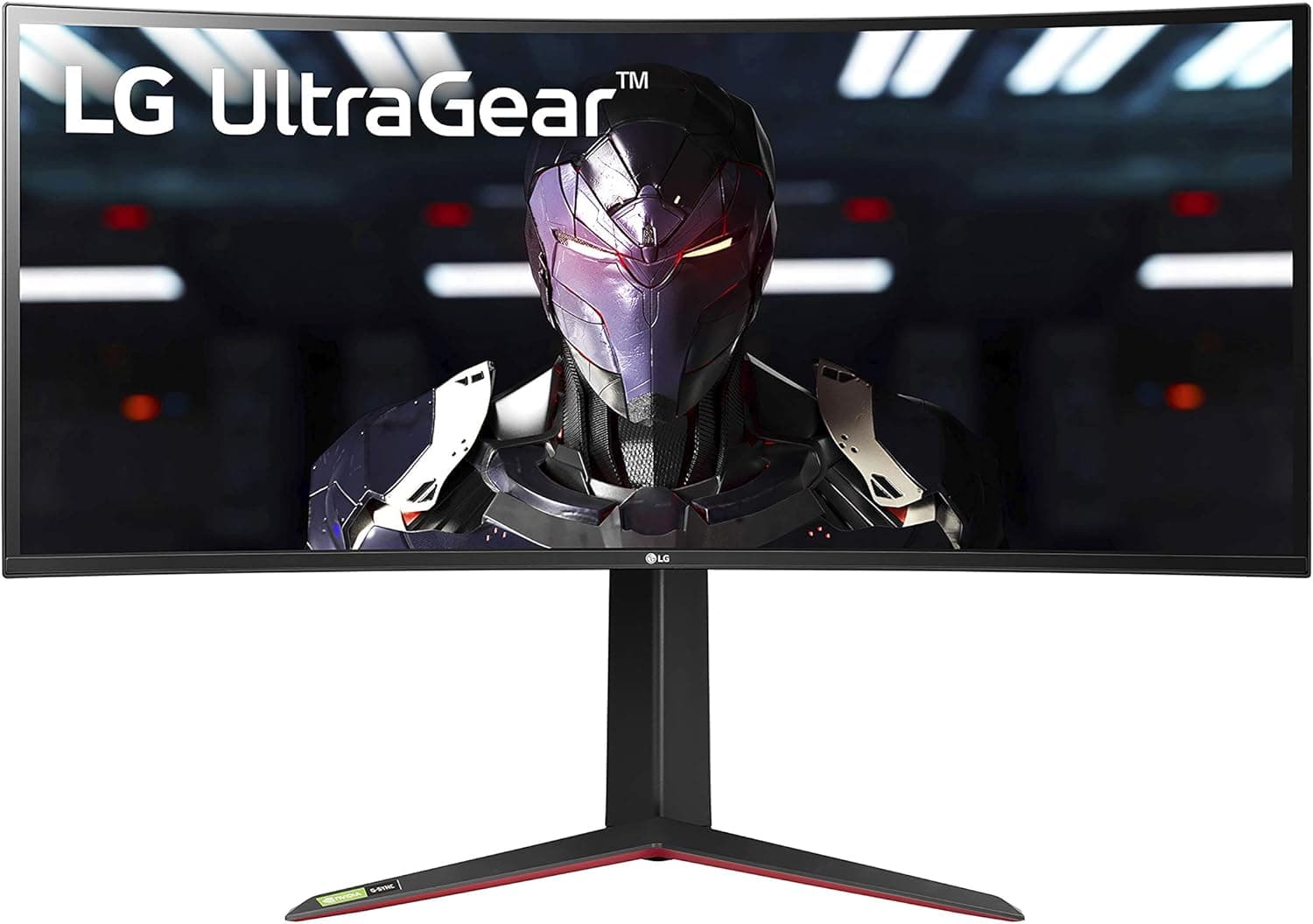
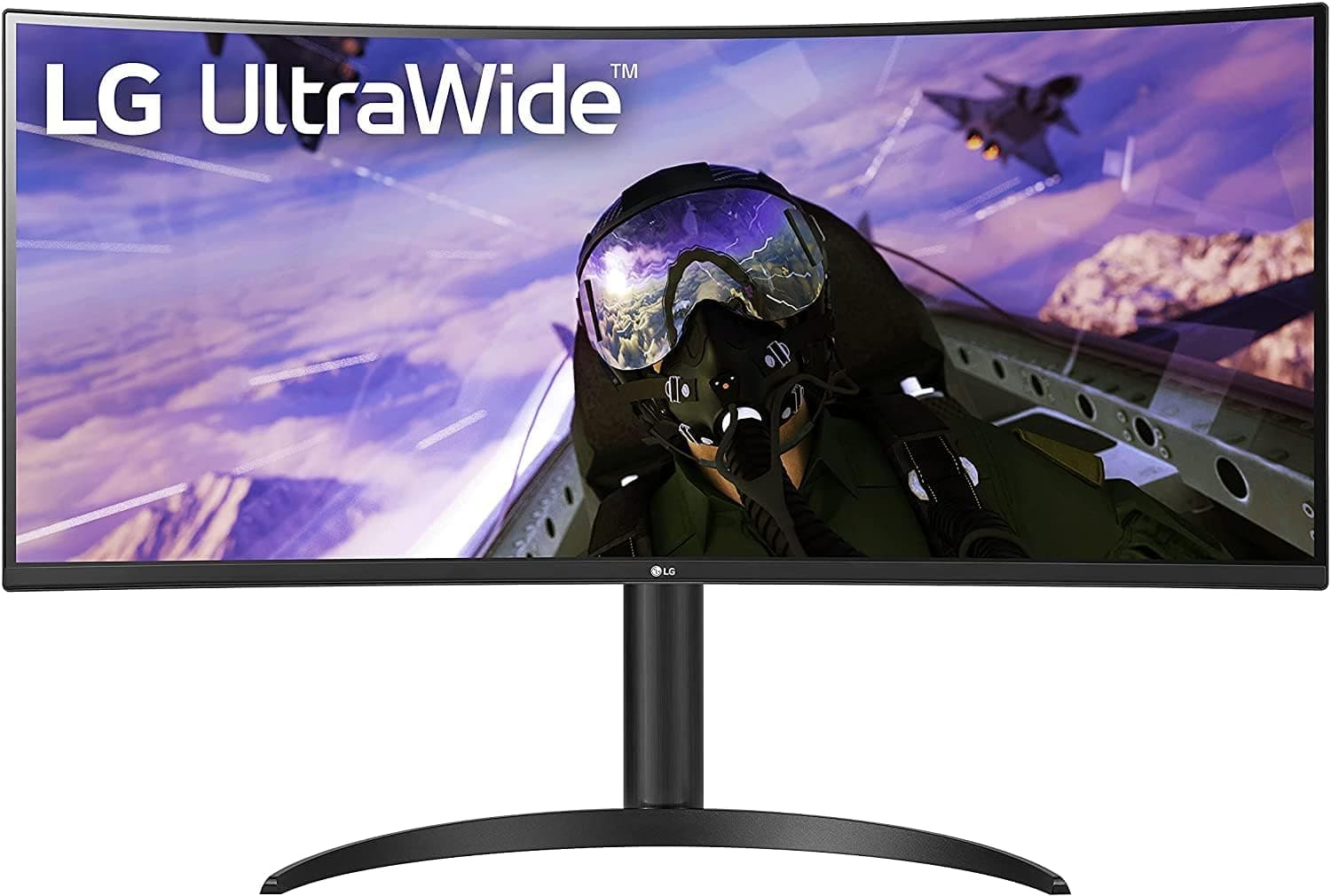
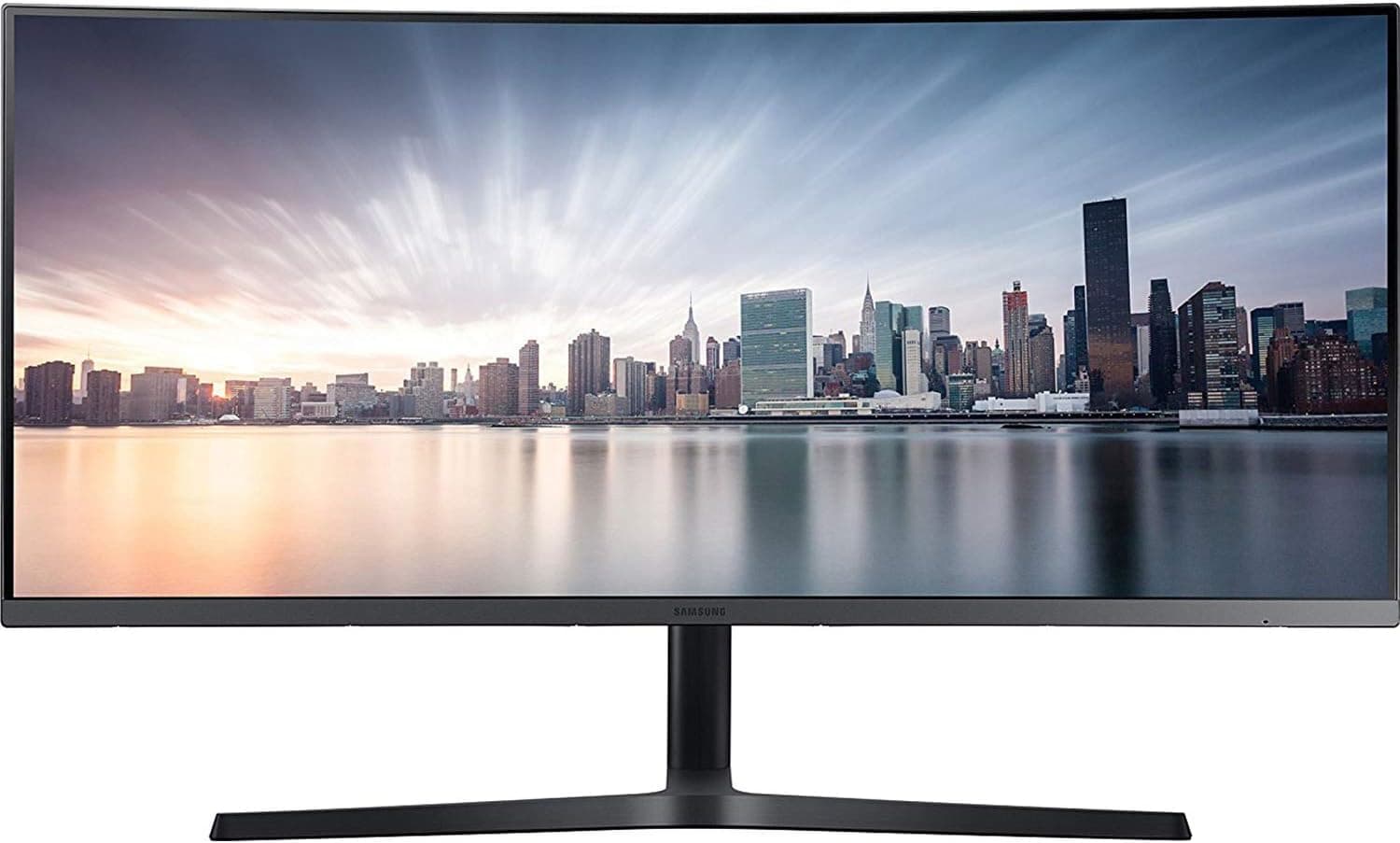
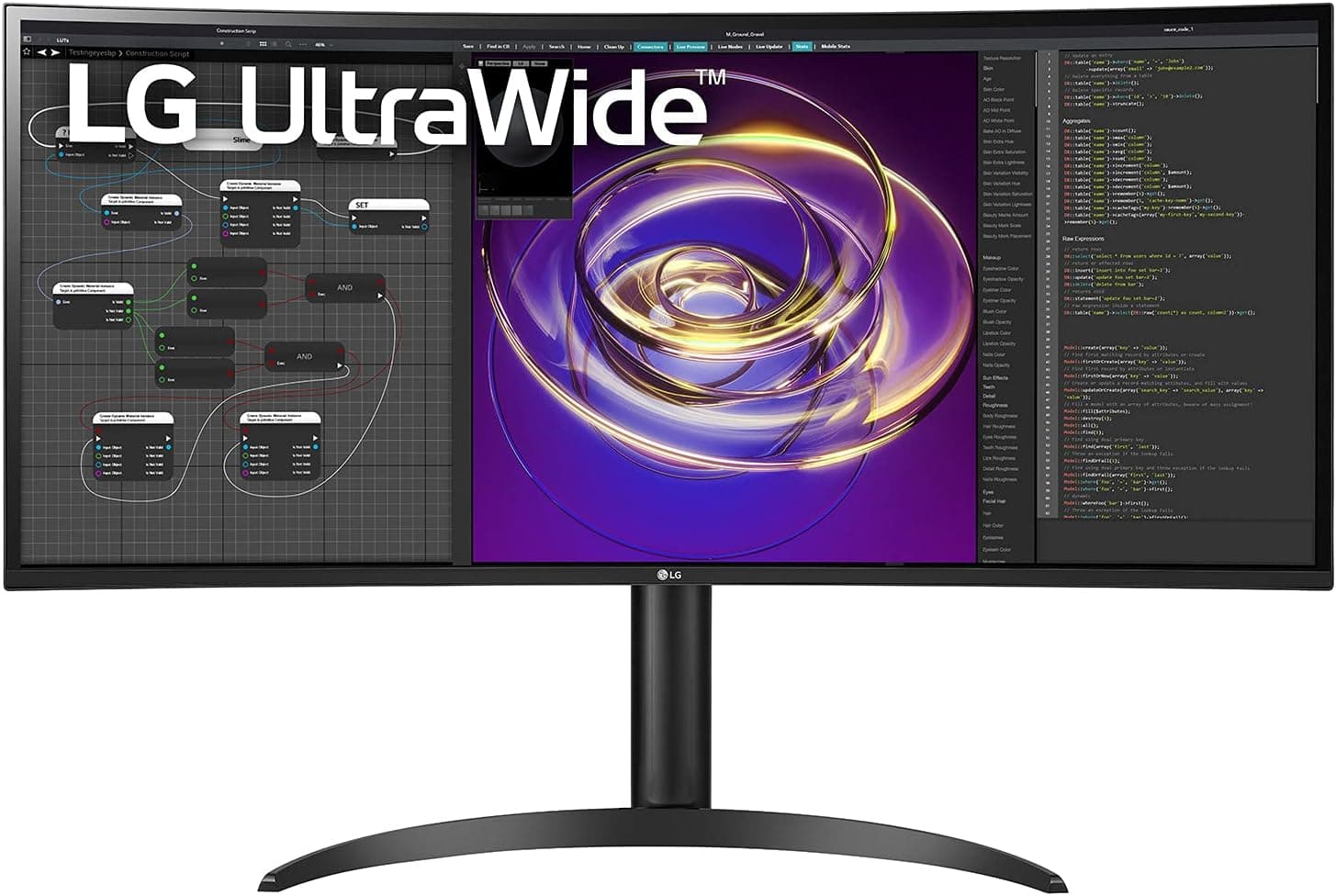
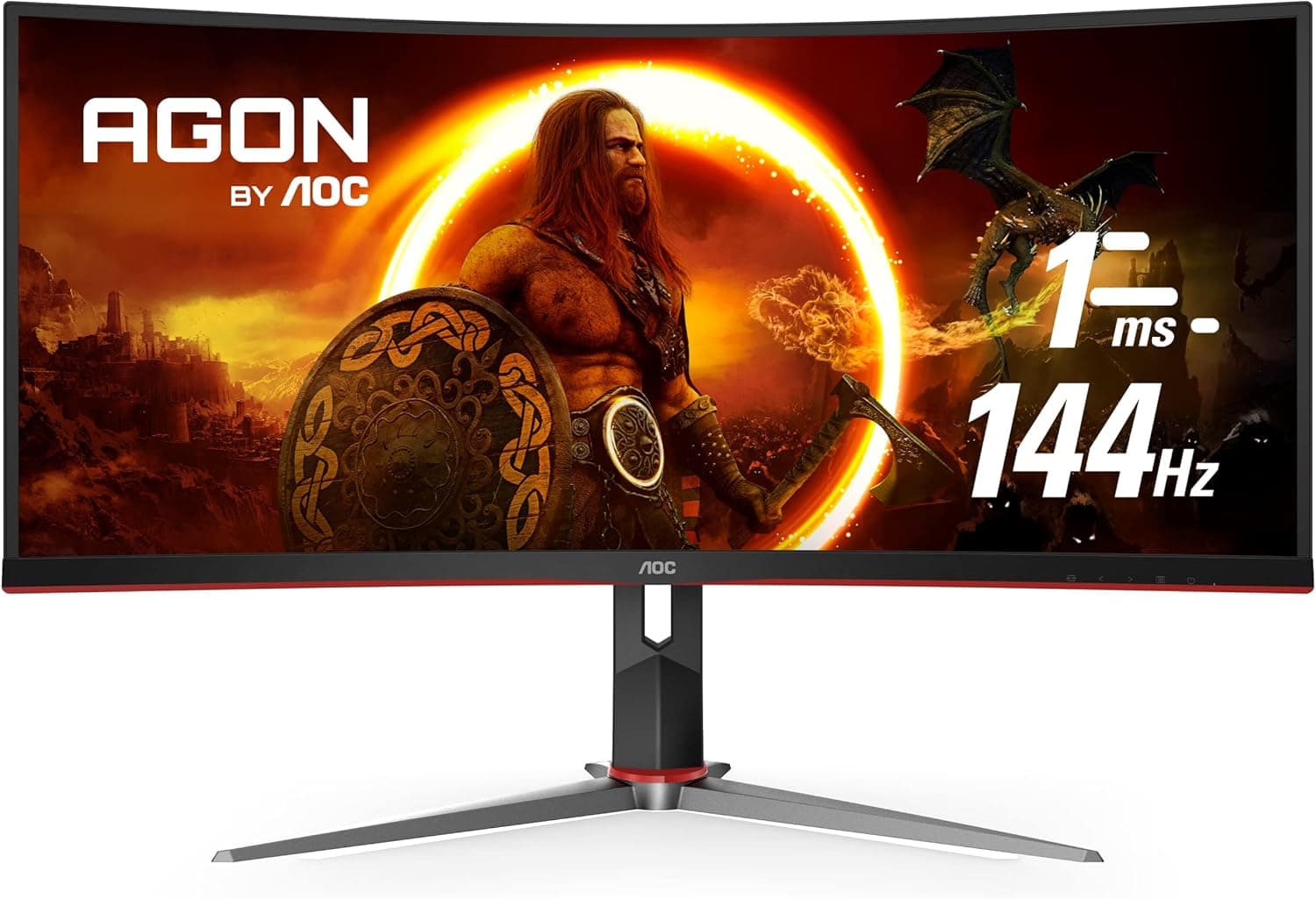
Finding a great ultrawide monitor for gaming under $500 used to mean making serious compromises. Either the refresh rate was too low, the resolution was disappointing, or the panel quality made colors look washed out. That has changed significantly over the last couple of years.
The $300 to $500 price range now includes genuine 144Hz ultrawide monitors with UWQHD resolution, curved panels, and FreeSync or G-Sync compatibility. You no longer have to spend $700 or more to get a fast, immersive gaming ultrawide that also handles home office work without embarrassing itself.
We tested and researched ultrawide monitors specifically in this price range, evaluating gaming performance, response time, panel quality, and everyday usability. This guide covers the best options available right now so you can find the right monitor without overspending.
Quick Picks: Best Gaming Ultrawide Monitors Under $500
Best Overall: LG 34GP83A-B ⟶ Check price on Amazon
Best Budget Pick: LG 34WP65C-B ⟶ Check price on Amazon
Best VA Panel: Samsung LC34H890WJNXZA ⟶ Check price on Amazon
Best for Work and Gaming: LG 34WP85C-B ⟶ Check price on Amazon
Best 1ms Response Time: AOC CU34G2X ⟶ Check price on Amazon
How We Tested These Monitors
Testing gaming monitors requires a different approach than testing office monitors. Raw specs matter less than how a monitor actually feels during gameplay.
We connected each monitor to both a mid-range gaming PC and a gaming laptop to evaluate performance across different hardware configurations. Game testing included fast-paced first-person shooters where response time and refresh rate matter most, open-world games where color accuracy and immersion are more important, and strategy games where screen real estate and clarity count.
For response time, we used high-speed camera footage to measure pixel transition times and compare them against manufacturer claims. Many monitors advertise 1ms response times that are only achievable in MBR or overdrive modes that introduce other visual artifacts.
We also evaluated each monitor during four-hour gaming sessions to assess eye fatigue, the effectiveness of curved panels for immersion, and how well each monitor handled the transition between gaming and productivity work.
Input lag was evaluated subjectively during gameplay and compared against published measurements from trusted sources. For gaming under $500, input lag below 5ms at native resolution is the target.
What to Look for in a Gaming Ultrawide Under $500
Refresh Rate: The Most Important Gaming Spec
For gaming, refresh rate matters more than almost any other specification. A higher refresh rate means more frames displayed per second, which makes movement look smoother and gives you a competitive advantage in fast games where spotting and reacting to movement quickly is critical.
At the under $500 price point, you can realistically find 144Hz ultrawide monitors. 144Hz is the sweet spot for gaming. It is smooth enough to make a significant difference compared to 60Hz or 75Hz and does not require an extremely powerful GPU to push enough frames to take advantage of it.
100Hz is a reasonable middle ground if the budget does not stretch to 144Hz. It is noticeably smoother than 75Hz and handles most gaming genres well. For competitive shooters specifically, 144Hz is worth prioritizing.
Response Time: What the Numbers Actually Mean
Monitor manufacturers advertise response times in one of two ways. GtG response time measures how long it takes a pixel to transition from one gray shade to another. MPRT measures how long a pixel is visible for during a single frame.
For gaming purposes, GtG response time is the more relevant measurement. A GtG response time of 1ms is excellent, 4ms is good, and anything above 5ms can produce visible motion blur and ghosting in fast-moving scenes.
Be cautious of monitors that only achieve their advertised low response times in maximum overdrive settings. Aggressive overdrive often introduces inverse ghosting, where a bright halo appears around moving objects. A monitor that achieves 4ms GtG in its default setting is more practically useful than one that needs maximum overdrive to hit 1ms.
Adaptive Sync: FreeSync vs G-Sync
Screen tearing happens when your GPU outputs frames faster than your monitor can display them. Adaptive sync technology eliminates this by synchronizing your monitor's refresh rate to your GPU's output frame rate dynamically.
AMD FreeSync is the open standard that most monitor manufacturers implement. It is free to license, which means monitors with FreeSync support tend to cost less than G-Sync alternatives. Many FreeSync monitors are also certified as G-Sync Compatible by NVIDIA, meaning they work with NVIDIA GPUs as well.
NVIDIA G-Sync requires proprietary hardware inside the monitor, which adds to the cost. True G-Sync monitors are generally more expensive and harder to find under $500 in the ultrawide category. For this price range, a FreeSync monitor that is also G-Sync Compatible is the most practical choice regardless of which GPU brand you use.
Panel Type for Gaming: IPS vs VA
For gaming under $500, both IPS and VA panels have legitimate use cases.
IPS panels offer faster pixel response times, wider viewing angles, and more accurate colors. The downside is lower contrast ratios, which means blacks look more like dark grays in a dimly lit room.
VA panels offer significantly better contrast ratios, which makes darker scenes in games look much more atmospheric and immersive. The trade-off is slower pixel transitions that can cause smearing in very fast dark-to-dark transitions, though this has improved significantly in newer VA panels.
If you play a lot of dark, atmospheric games and sit in a dim room, VA delivers a better visual experience. If you play fast competitive games where pixel response time matters, IPS is the safer choice.
Resolution: Does UWQHD Make Sense for Gaming Under $500?
Pushing 3440x1440 resolution in games requires a reasonably powerful GPU. An older mid-range GPU like a GTX 1070 or RX 5700 will struggle to maintain smooth frame rates at UWQHD in demanding modern titles.
If your GPU can handle it, UWQHD at 34 inches is a significantly better gaming experience than UWFHD. The sharper image makes distant details more visible, textures look cleaner, and the overall presentation feels more premium.
If your GPU is several generations old or on the lower end of current mid-range, UWFHD at a high refresh rate may deliver a better gaming experience than UWQHD at lower frame rates. Frame rate smoothness generally matters more for gaming enjoyment than raw resolution sharpness.
The Best Gaming Ultrawide Monitors Under $500
1. LG 34GP83A-B — Best Overall Gaming Ultrawide Under $500
Quick Specs
Feature | Detail |
Screen size | 34 inches |
Resolution | 3440x1440 (UWQHD) |
Panel type | Nano IPS |
Refresh rate | 160Hz |
Response time | 1ms GtG |
Adaptive sync | FreeSync Premium Pro, G-Sync Compatible |
Connectivity | 2x HDMI 2.0, DisplayPort 1.4, 2x USB-A |
Curve | 1000R |
VESA | 100x100mm |
HDR | VESA DisplayHDR 400 |
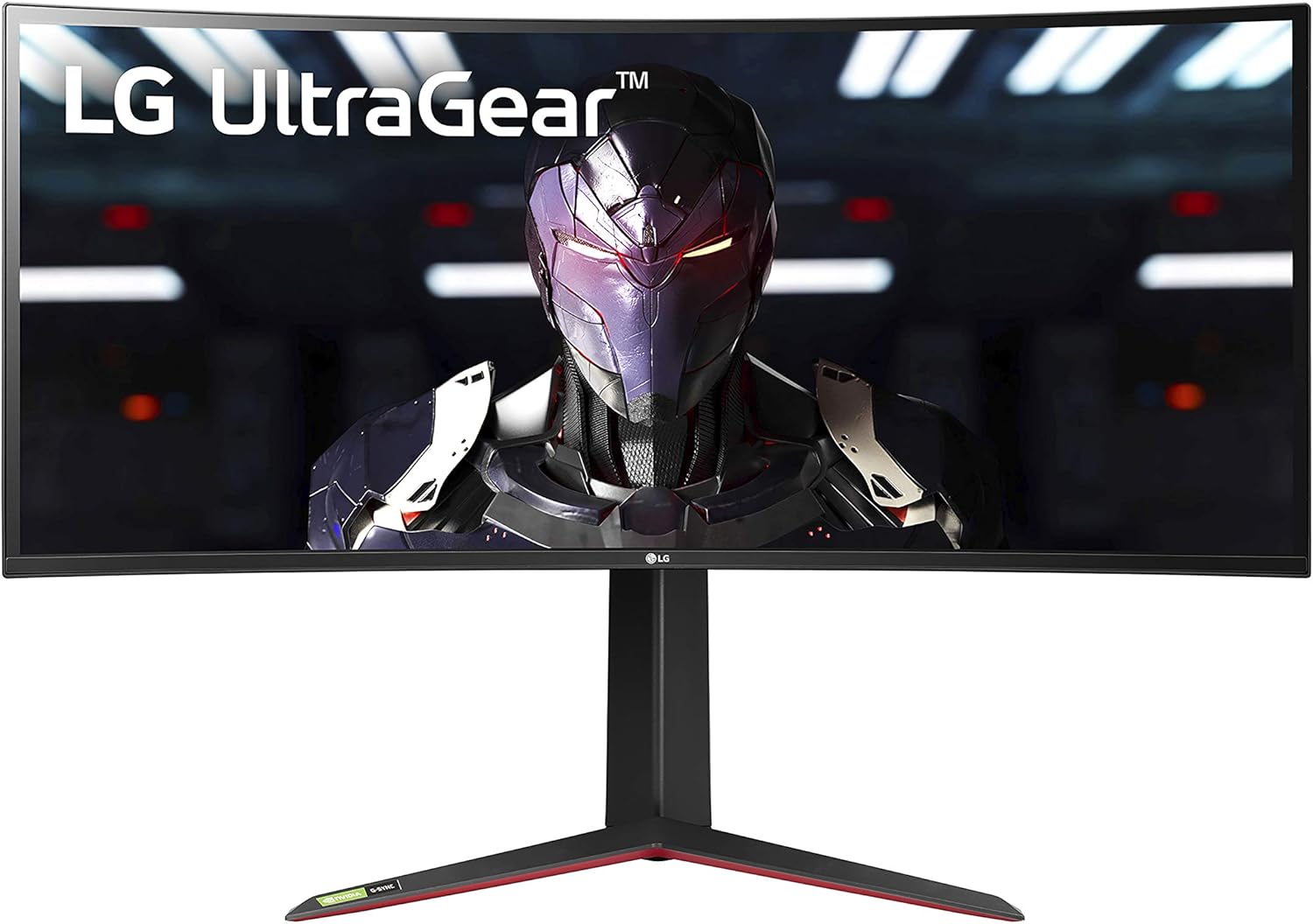
The LG 34GP83A-B is the best gaming ultrawide you can buy under $500 right now. It delivers a Nano IPS panel at 3440x1440 resolution with a 160Hz refresh rate and a 1ms GtG response time. That combination at this price point is genuinely impressive and represents real value compared to what this category offered just two or three years ago.
The Nano IPS panel produces vivid, accurate colors that make games look noticeably better than standard IPS panels at the same price. Colors are rich without being oversaturated, contrast holds up well in bright scenes, and the wide color gamut brings out detail in environments and character design that narrower-gamut panels miss.
The 1000R curve is one of the most aggressive curves found on any gaming ultrawide. At 34 inches it creates an immersive wrap-around effect that particularly suits action games, racing games, and open-world titles. The curved screen keeps the edges of the panel at roughly the same perceived distance from your eyes as the center, which reduces the need to refocus constantly during gameplay.
FreeSync Premium Pro support covers the full refresh rate range, meaning adaptive sync is active even at very low frame rates. G-Sync Compatible certification means NVIDIA GPU owners get the same tear-free experience without needing a G-Sync monitor.
The 160Hz refresh rate pushes past the standard 144Hz that most monitors in this category offer. In fast-paced games, the difference between 144Hz and 160Hz is subtle but the headroom is useful for competitive titles where maintaining frame rates above your monitor's refresh rate provides a consistent feel.
Pros
Nano IPS panel delivers exceptional color quality for a gaming monitor
160Hz refresh rate with 1ms GtG response time
FreeSync Premium Pro with G-Sync Compatible certification
1000R curve creates a genuinely immersive gaming experience
UWQHD resolution for sharp, detailed visuals
HDR 400 support for compatible games
Cons
1000R curve may feel too aggressive for some users who also use this monitor for office work
HDR 400 peak brightness is not sufficient for a premium HDR experience
Requires a capable GPU to push high frame rates at UWQHD
Who should buy this: Gamers who want the best overall gaming ultrawide under $500 and are comfortable with an aggressive curve.
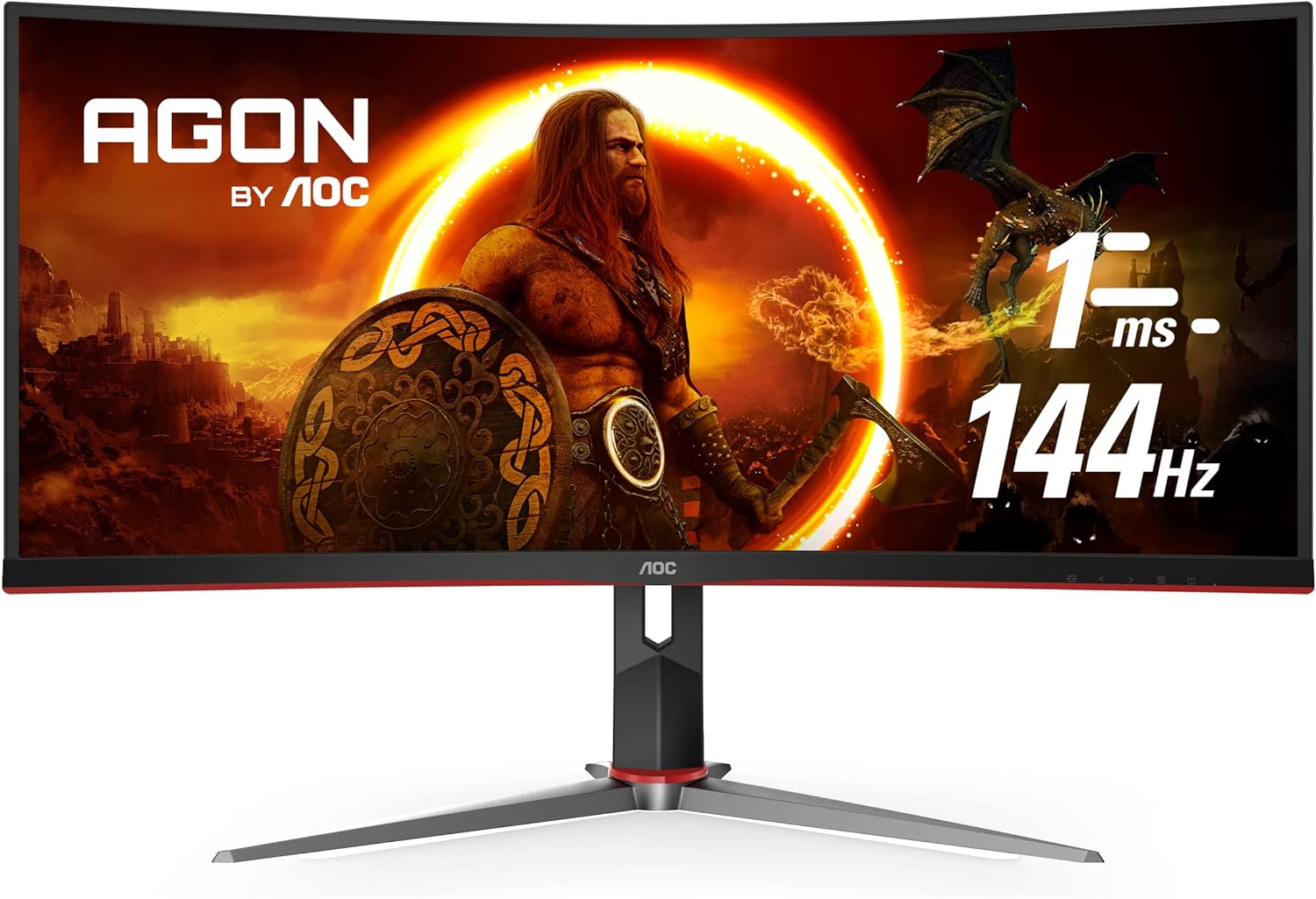
2. AOC CU34G2X — Best 1ms Response Time Gaming Ultrawide

Quick Specs
Feature | Detail |
Screen size | 34 inches |
Resolution | 3440x1440 (UWQHD) |
Panel type | VA |
Refresh rate | 144Hz |
Response time | 1ms MPRT |
Adaptive sync | FreeSync Premium, G-Sync Compatible |
Connectivity | 2x HDMI 2.0, DisplayPort 1.4, 4x USB-A |
Curve | 1500R |
VESA | 100x100mm |
The AOC CU34G2X uses a VA panel to deliver one of the best contrast ratios available in a gaming ultrawide under $500. The 3000:1 contrast ratio means blacks in dark game environments look genuinely dark rather than the washed-out grays that IPS panels produce. For atmospheric games with dramatic lighting, gothic environments, or space settings, this difference is immediately visible and significantly improves immersion.
144Hz with FreeSync Premium support covers the practical gaming range comfortably. The G-Sync Compatible certification means both AMD and NVIDIA GPU users benefit from tear-free gameplay across the full refresh rate range.
The 1500R curve is less aggressive than the LG's 1000R but still produces a noticeably wraparound feel at 34 inches. For most users, 1500R hits a comfortable middle ground between immersion and practicality for mixed work and gaming use.
The four USB-A ports on the back of this monitor are a practical addition that many competing monitors skip at this price point. Connecting a keyboard, mouse, USB headset, and a USB drive simultaneously without needing a separate hub is a convenience that matters in daily use.
One important note on the 1ms MPRT claim: this is achieved through black frame insertion, which reduces perceived motion blur but also reduces effective brightness and can cause subtle flickering at lower refresh rates. The monitor is very capable without this mode enabled and most users will prefer it off during normal gaming sessions.
Pros
Excellent 3000:1 contrast ratio from the VA panel
144Hz with FreeSync Premium and G-Sync Compatible
1500R curve is comfortable for both gaming and productivity
Four USB-A ports provide generous connectivity
Good value for a UWQHD 144Hz gaming monitor
Cons
VA panel can show motion smearing in very fast dark-to-dark transitions
1ms MPRT requires BFI mode which reduces brightness
Colors are less accurate than Nano IPS alternatives
Who should buy this: Gamers who play dark, atmospheric games and want the best contrast ratio available in this price range.
3. Samsung LC34H890WJNXZA — Best VA Panel Ultrawide for Gaming

Quick Specs
Feature | Detail |
Screen size | 34 inches |
Resolution | 3440x1440 (UWQHD) |
Panel type | VA |
Refresh rate | 100Hz |
Response time | 4ms GtG |
Adaptive sync | FreeSync |
Connectivity | 2x HDMI, DisplayPort, USB-C, USB hub |
Curve | 1500R |
VESA | 100x100mm |
The Samsung LC34H890WJNXZA targets a slightly different buyer than the pure gaming-focused options above. The 100Hz refresh rate and 4ms GtG response time are not the most aggressive gaming specs on this list but they are more than adequate for most gaming genres outside of hardcore competitive shooters.
What this monitor adds over faster competitors is USB-C connectivity and a better everyday productivity experience. The USB-C port supports video input and data transfer, making this a solid choice for users who split their time between a gaming PC and a work laptop on the same desk.
Samsung's VA panel produces its signature deep blacks and high contrast, which makes games with dramatic lighting particularly enjoyable. The 1500R curve wraps the screen comfortably around your field of view without feeling excessive.
For casual to mid-level gaming across multiple genres combined with genuine home office productivity use, this monitor strikes a practical balance that the higher-refresh-rate options sacrifice by focusing so heavily on gaming performance metrics.
Pros
USB-C connectivity for laptop users
Samsung VA panel with excellent contrast
Good balance of gaming and productivity features
1500R curve suits both use cases
Competitive price for a 34-inch UWQHD monitor
Cons
100Hz trails 144Hz competitors
No G-Sync Compatible certification
4ms GtG is adequate but not ideal for competitive gaming
Who should buy this: Users who want a capable gaming monitor that also serves as a genuine daily productivity display, especially those connecting a laptop alongside a gaming PC.
4. LG 34WP65C-B — Best Budget Gaming Ultrawide Under $500
Quick Specs
Feature | Detail |
Screen size | 34 inches |
Resolution | 3440x1440 (UWQHD) |
Panel type | IPS |
Refresh rate | 160Hz |
Response time | 5ms GtG |
Adaptive sync | FreeSync Premium |
Connectivity | 2x HDMI, DisplayPort 1.4 |
Curve | 1000R |
VESA | 100x100mm |
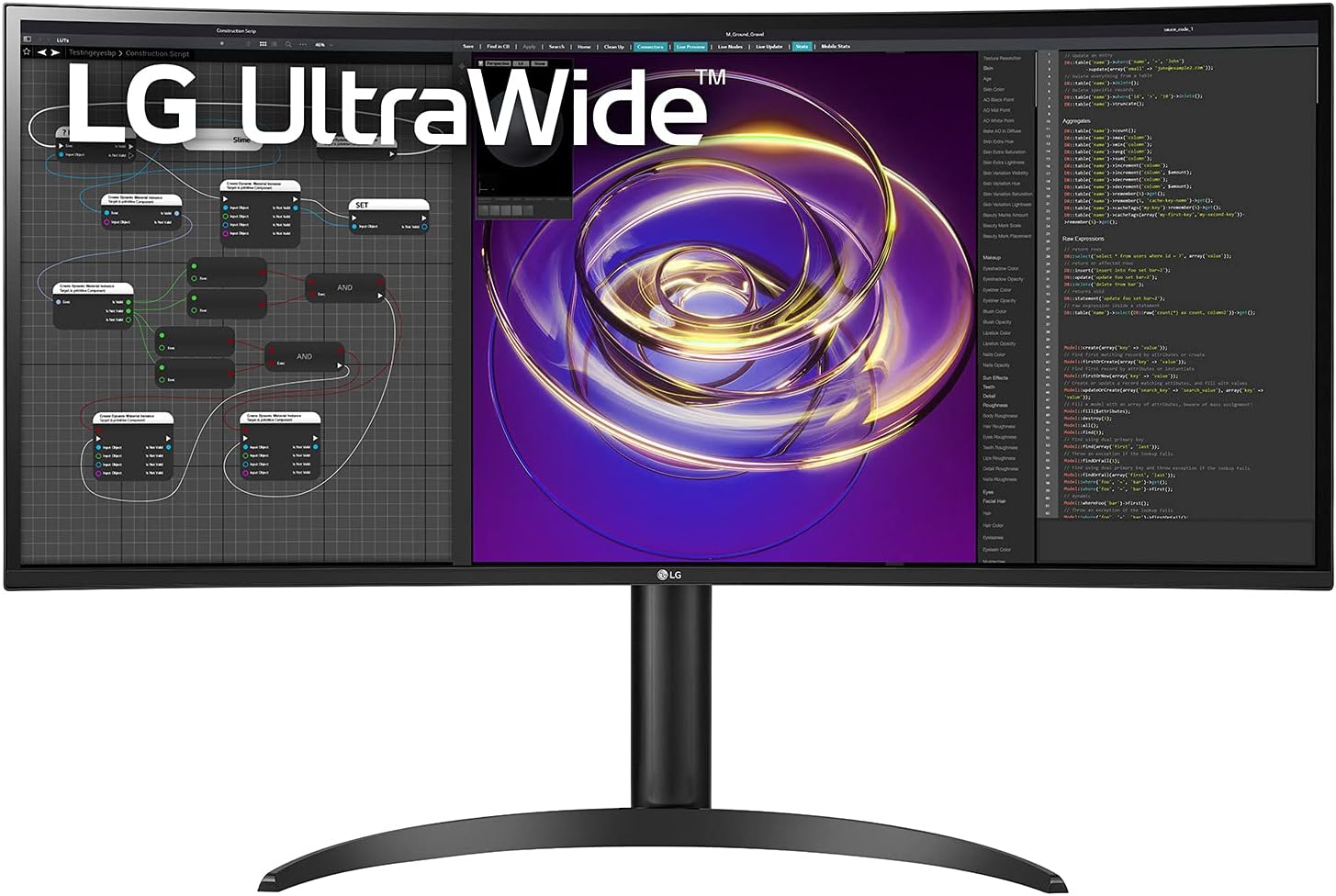
The LG 34WP65C-B punches well above its price. Getting UWQHD resolution at 160Hz on a 34-inch IPS panel at this price point is exceptional value, and LG's panel quality at this tier is consistently reliable.
The 5ms GtG response time is the main trade-off compared to the 34GP83A-B at the top of this list. In practical gaming, 5ms GtG is not a significant issue for most genres. It is only in extremely fast competitive titles where pixel response time at this level becomes perceptible.
FreeSync Premium support covers the full variable refresh rate range and handles low frame rate compensation well, meaning adaptive sync stays active even when frame rates dip below the monitor's minimum refresh rate threshold.
For buyers who want a large, fast, sharp ultrawide gaming display and do not need the premium panel quality of the Nano IPS option above, this is the most cost-effective way to get there.
Pros
UWQHD at 160Hz is exceptional value at this price
Reliable LG IPS panel quality
FreeSync Premium support
1000R curve for immersive gaming
More affordable than the Nano IPS equivalent
Cons
5ms GtG trails competitors at similar prices
No USB-C connectivity
Standard IPS colors are good but not as vivid as Nano IPS
Who should buy this: Budget-conscious gamers who want the largest, fastest ultrawide they can get without paying for premium panel features.
5. LG 34WP85C-B — Best Ultrawide for Work and Gaming Combined
Quick Specs
Feature | Detail |
Screen size | 34 inches |
Resolution | 3440x1440 (UWQHD) |
Panel type | Nano IPS |
Refresh rate | 60Hz |
Response time | 5ms GtG |
Adaptive sync | FreeSync |
Connectivity | USB-C 96W, 2x HDMI, DisplayPort, USB hub, KVM |
Curve | 1000R |
VESA | 100x100mm |
The LG 34WP85C-B appears on our best ultrawide monitor for home office list as the top overall pick for productivity. It earns a place on this list too for a specific type of buyer: someone who games casually but whose primary use is home office work.
The 60Hz refresh rate and 5ms GtG response time make this a poor choice for competitive gaming or any title where smooth, fast motion is critical. For casual gaming, story-driven games, strategy titles, and anything where immersion matters more than frame rate, the Nano IPS panel and wide color gamut actually make games look better than many monitors with faster panels.
The reason it belongs on a gaming list is that it is the best monitor for users who work all day and game occasionally in the evenings. The 96W USB-C charging, built-in KVM switch, and professional-grade panel make it the best all-day productivity monitor on this list. The gaming performance is good enough for casual use without needing a separate gaming monitor.
If gaming is a major priority, choose the LG 34GP83A-B instead. If you work all day and game a few hours per week, this monitor handles both without compromise on the work side.
Pros
Best productivity features of any monitor on this list
Nano IPS panel produces beautiful colors in visually rich games
96W USB-C charging for laptop users
Built-in KVM switch for dual-computer setups
Excellent ergonomics
Cons
60Hz is a significant limitation for gaming
Not suitable for competitive or fast-paced gaming genres
More expensive than dedicated gaming alternatives
Who should buy this: Home office workers who game casually and do not want to compromise on productivity features for their main daytime monitor.
Full Comparison Table
Monitor | Resolution | Panel | Hz | Response | Adaptive Sync | Best For |
3440x1440 | Nano IPS | 160Hz | 1ms GtG | FreeSync Pro + G-Sync | Best overall gaming | |
3440x1440 | VA | 144Hz | 1ms MPRT | FreeSync + G-Sync | Dark game contrast | |
3440x1440 | VA | 100Hz | 4ms GtG | FreeSync | Work and gaming mix | |
3440x1440 | IPS | 160Hz | 5ms GtG | FreeSync Premium | Best budget | |
3440x1440 | Nano IPS | 60Hz | 5ms GtG | FreeSync | Casual gaming |
GPU Requirements for Gaming at UWQHD
One thing many buyers overlook when choosing a UWQHD gaming ultrawide is whether their GPU can actually drive it effectively. Pushing 3440x1440 at high frame rates requires more graphics processing power than 1080p or even 1440p.
For comfortable gaming at UWQHD targeting 60 to 100 fps in modern titles, an RTX 3060 Ti, RX 6700 XT, or better is a reasonable baseline. For pushing toward 144Hz in demanding games, an RTX 3080 or RX 6800 XT class GPU is more appropriate.
If your current GPU is older or on the lower end of mid-range, running UWQHD at medium settings may still produce a better overall experience than dropping to UWFHD resolution. The wider screen and higher resolution look substantially better in open-world and story-driven games even at moderate frame rates.
Ultrawide Gaming vs Standard 16:9 Gaming Monitors
The ultrawide format has specific advantages for gaming that a standard 16:9 monitor cannot replicate. The wider field of view in supported games gives you more peripheral visibility, which is particularly useful in racing games, open-world exploration, and flight simulators.
In competitive games like CS2, Valorant, and some battle royale titles, ultrawide support varies. Some games cap the field of view at 16:9 when using an ultrawide monitor, which means you see black bars on the sides rather than extended view. Always check whether your most-played games support 21:9 natively before committing to an ultrawide gaming monitor.
Most major single-player and story-driven games support 21:9 well and the wider format significantly enhances immersion in those titles.
How This Gaming Ultrawide Compares to Office Use
Several monitors on this list double as excellent home office displays. If you need a monitor that works well for both purposes, the best ultrawide monitor for home office guide covers the productivity side in detail.
For gamers who also code, the best ultrawide monitor for programmers guide covers monitors that handle both gaming and coding workflows. For anyone considering whether the ultrawide format is right for their gaming setup at all, the ultrawide vs dual monitor setup comparison breaks down exactly where each approach wins.
Our top pick for gaming under $500 is the LG 34GP83A-B. Check the latest pricing on Amazon below.
Check price on Amazon — LG 34GP83A-B
Check price on Amazon — AOC CU34G2X
Check price on Amazon — LG 34WP65C-B
Disclosure: This post contains Amazon affiliate links. If you buy through our links, we may earn a small commission at no extra cost to you.

Written by
Jordan Lee
I'm Jordan Lee, a tech reviewer and peripheral enthusiast with 7+ years of hands-on experience evaluating monitors, mechanical keyboards, wireless mice, and audio equipment. With a degree in Computer Engineering, I bring a technical yet practical perspective to every review I write. I don't just benchmark — I actually use these products daily and put them through real work scenarios. When I recommend a monitor, I've checked its color accuracy, refresh rate, and eye strain levels myself. When I suggest a keyboard, I've typed thousands of words on it. My goal is simple: help you find the right gear so you can work smarter, not just spend more.